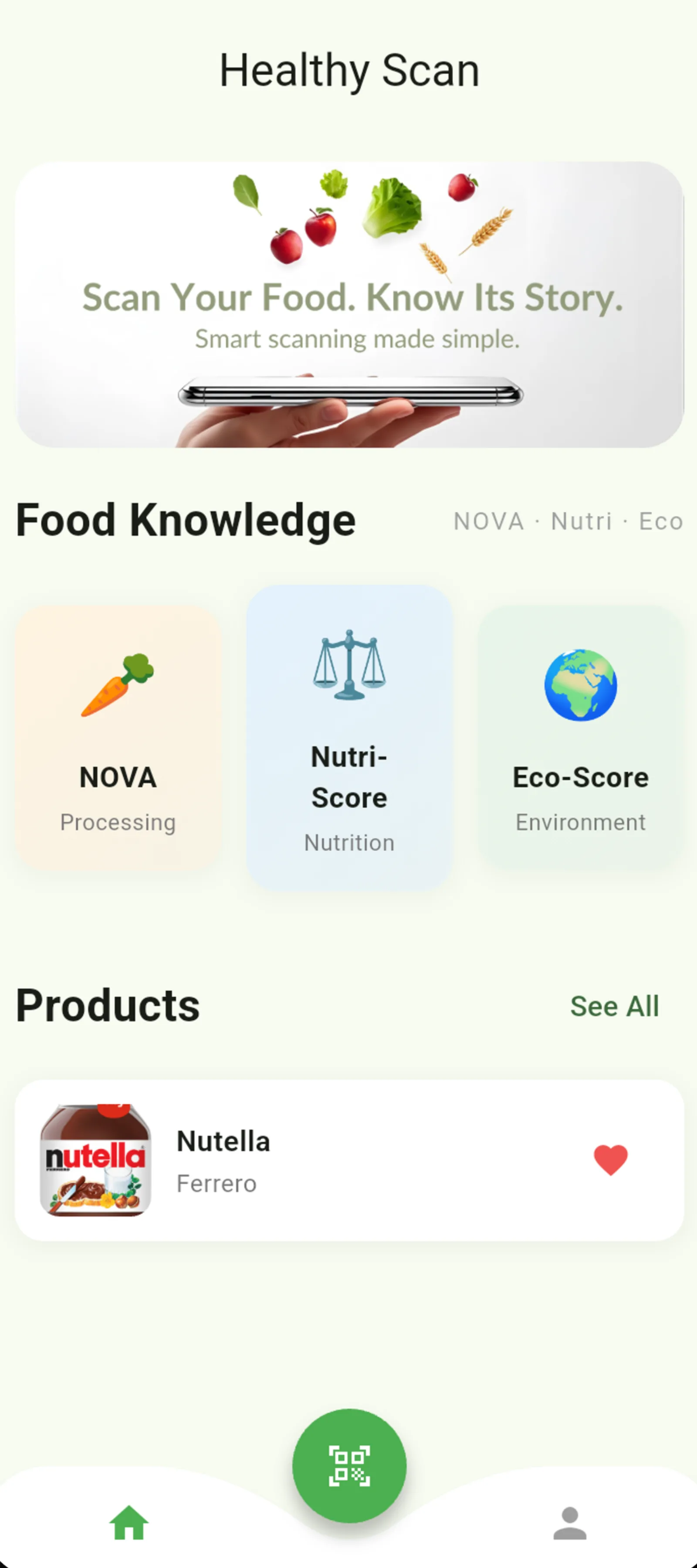
NewsAPI Integration: Built a clean networking layer with dio and typed models to fetch and render headlines by category.

Project 07
News Snap
Headlines you can swipe through
A cross-platform news reader for browsing top headlines by category, searching articles, and reading full stories in-app.
FlutterDartNewsAPIdioWebView
Try it
9:41
The mission
Why this exists.
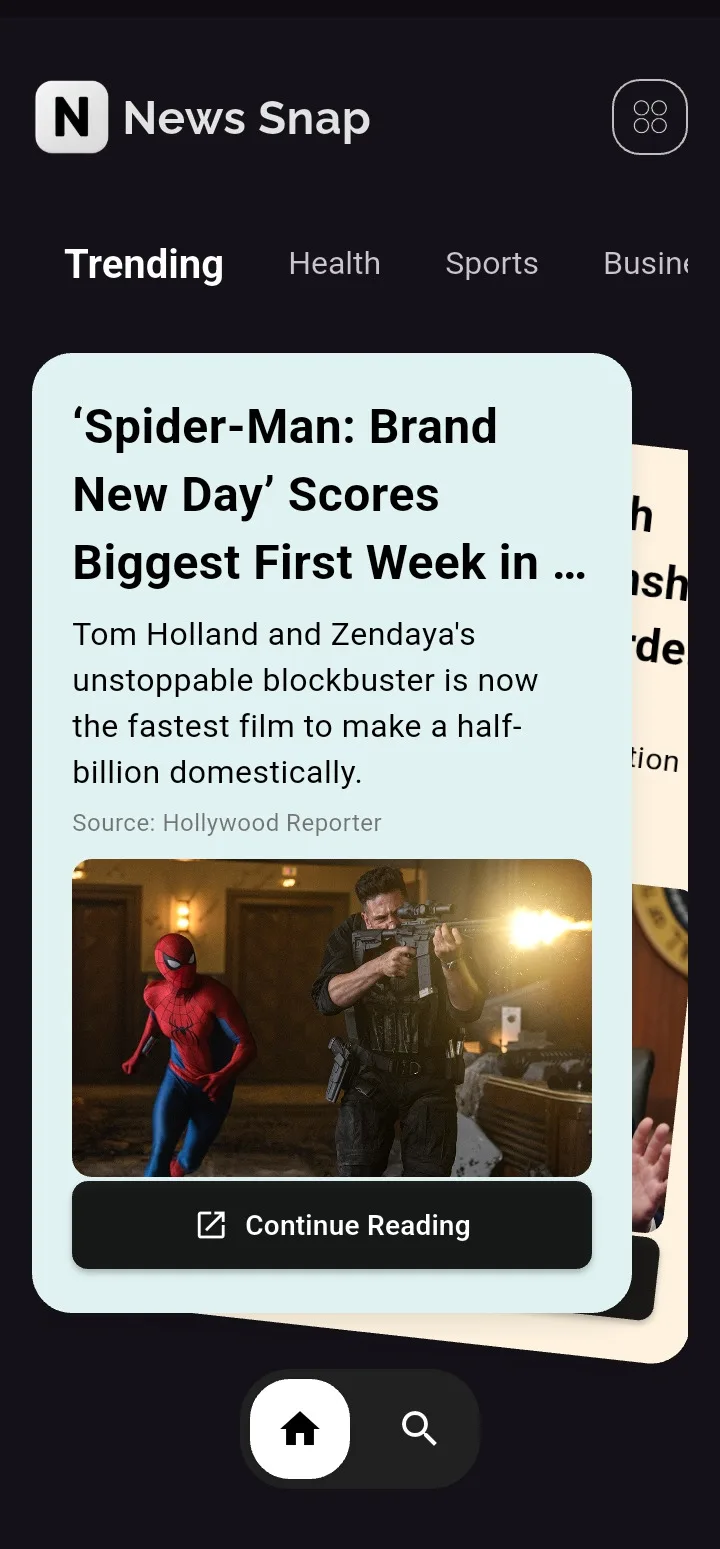
Most news apps dump headlines into an endless list. News Snap exists to make catching up feel like flipping a physical deck — swipe a story, switch a category, and read the full piece without bouncing to a browser.
Inside the build
Thought through, end to end.
5 highlights
In-App Reading: Integrated WebView so users can open full articles without leaving the app.
Custom Gesture UI: Designed and shipped a physics-based SwipeableStack and an AnimatedTabSelector as reusable widgets.
Performance: Used cached network images and a dark-first UI tuned for fast browsing on mobile.
Cross-Platform: Single Flutter codebase targeting Android, iOS, Web, and Desktop.
The hard parts
Constraints I designed around.
The features that look effortless were the ones that fought back.
- 01
A feed that feels like an object
The obstacle
Default list widgets made news feel disposable and identical to every other reader.
How I solved it
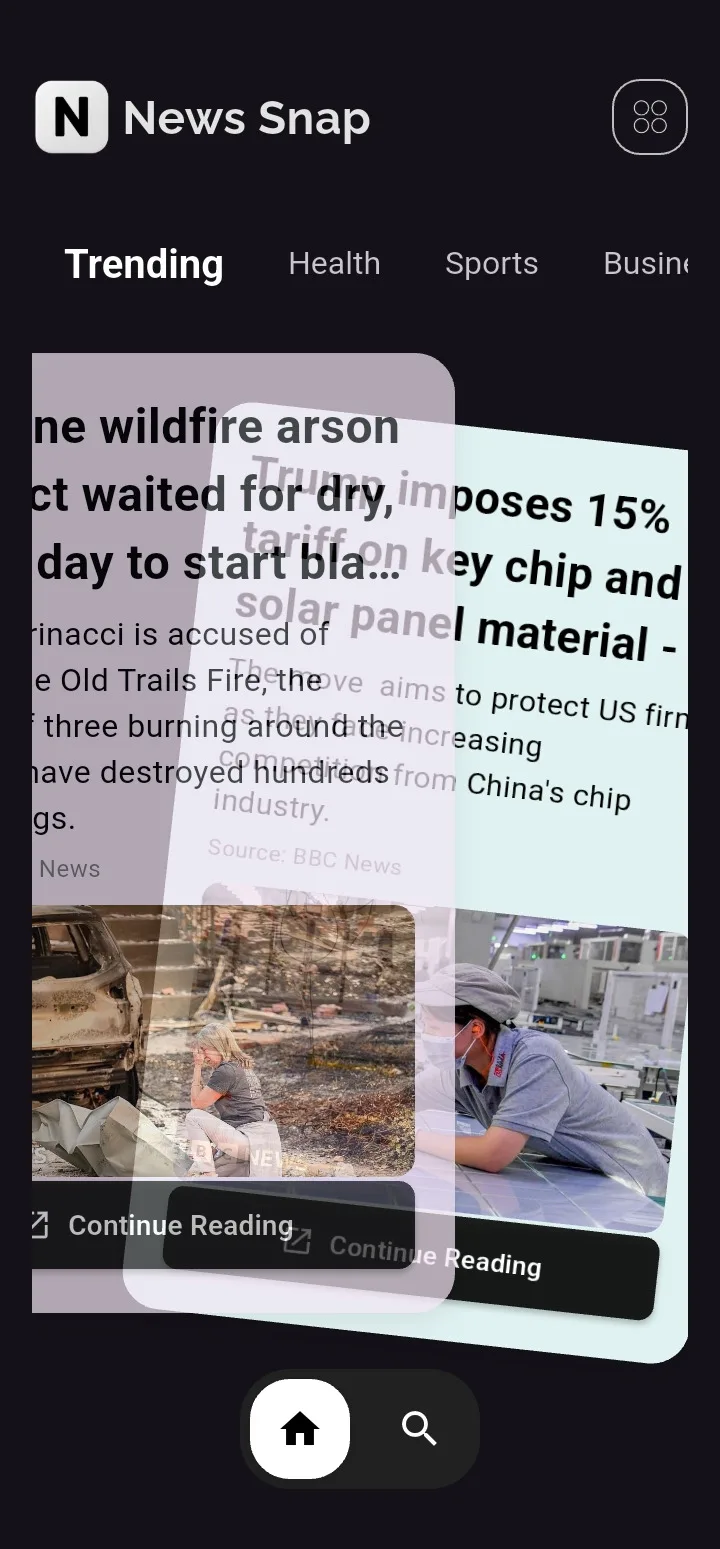
Designed a physics-based SwipeableStack with throw animations, stacked offset, and rotation so each headline is a card you actually handle.
- 02
Category switching without cheap tabs
The obstacle
A stock TabBar could not carry the dark, tactile UI the rest of the app was aiming for.
How I solved it
Built AnimatedTabSelector as a reusable widget with a sliding circle indicator, custom colors, and curve-tuned motion.
- 03
Read the story without bouncing out
The obstacle
Opening Chrome kills the session and the mood — users leave and rarely come back to the next headline.
How I solved it
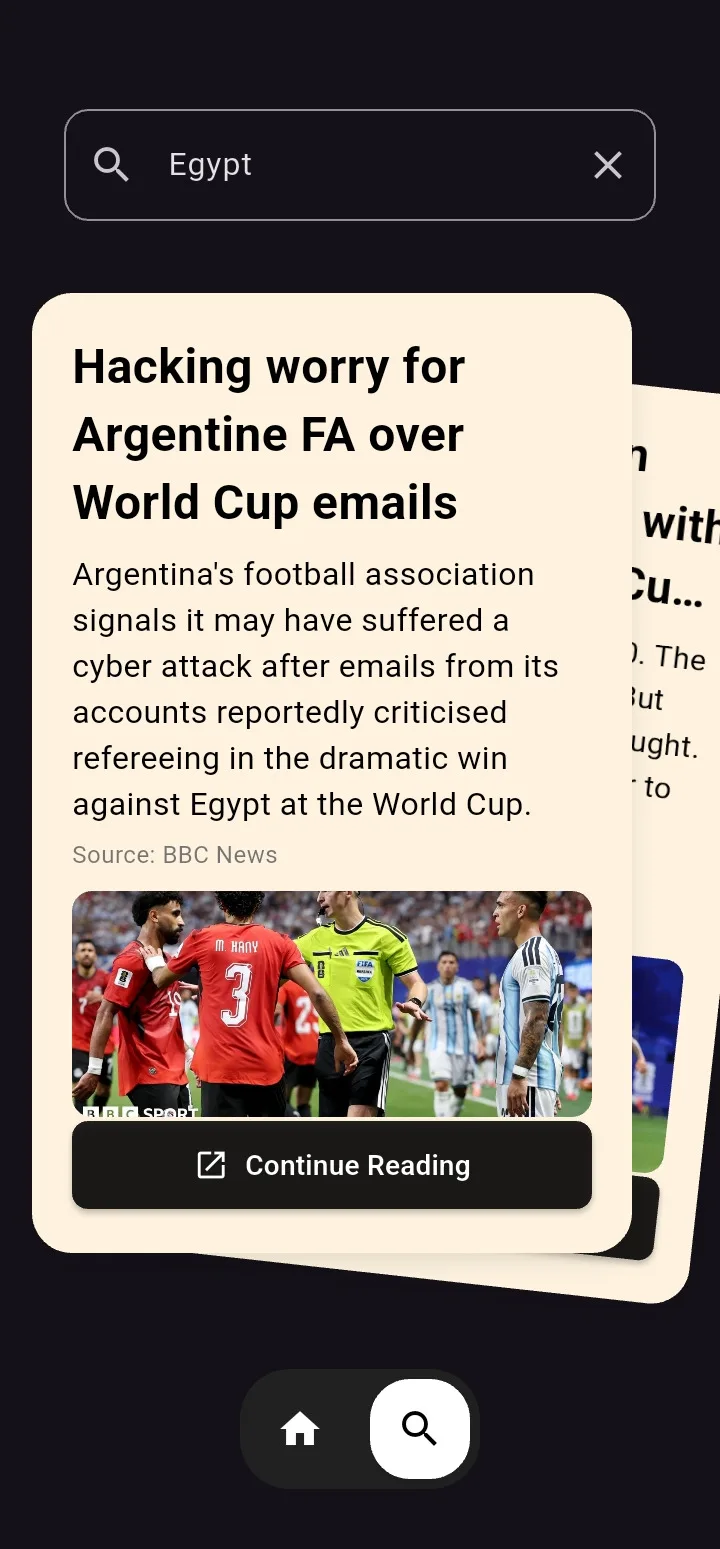
Wired a typed dio networking layer into in-app WebView so search, categories, and full articles stay inside one dark-first, image-cached experience.
Product tour
A closer look inside.
Swipe through the real product screens and the details that make the experience feel complete.
9:41
9:41

9:41
9:41
9:41

Product in motion
See how it feels.
A real walkthrough of the product, interactions, and complete flow.
9:41