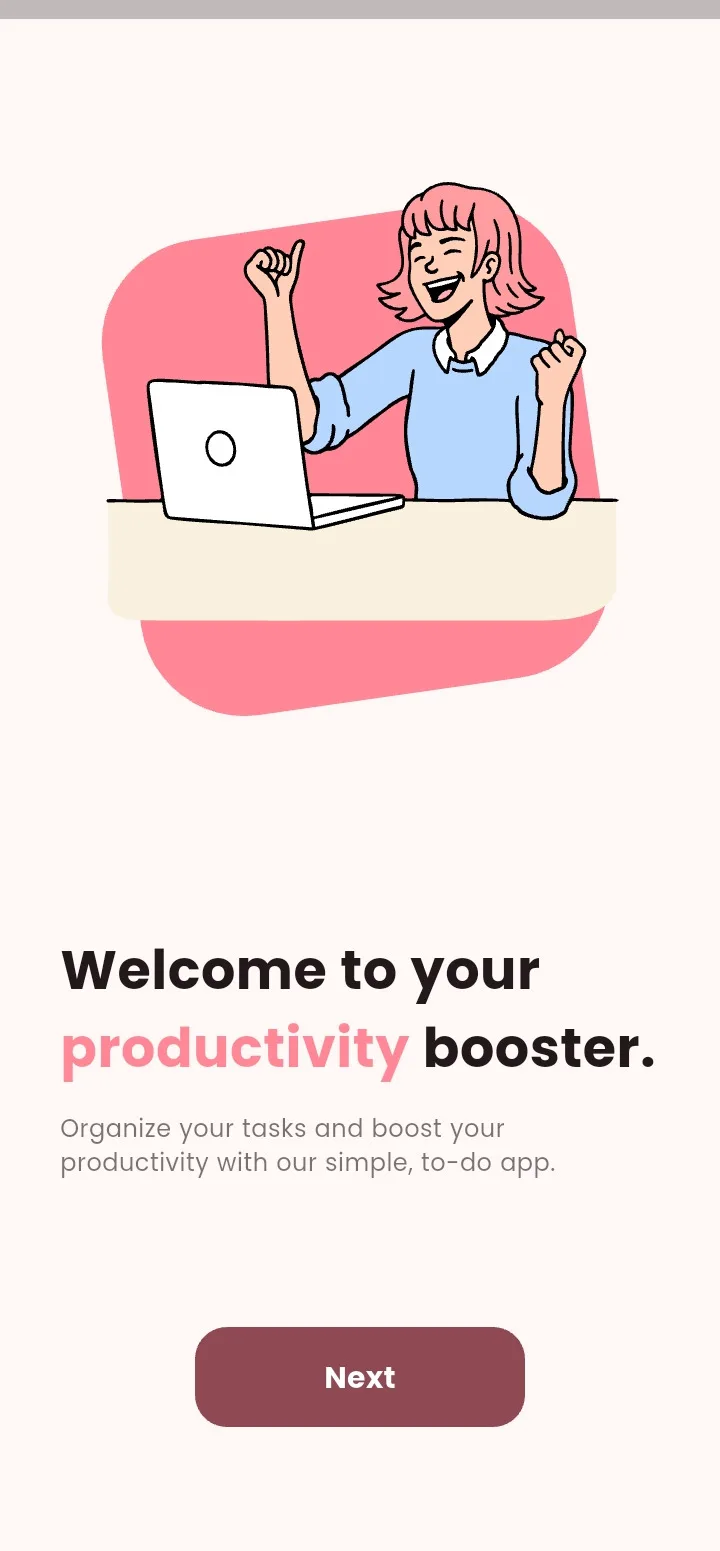
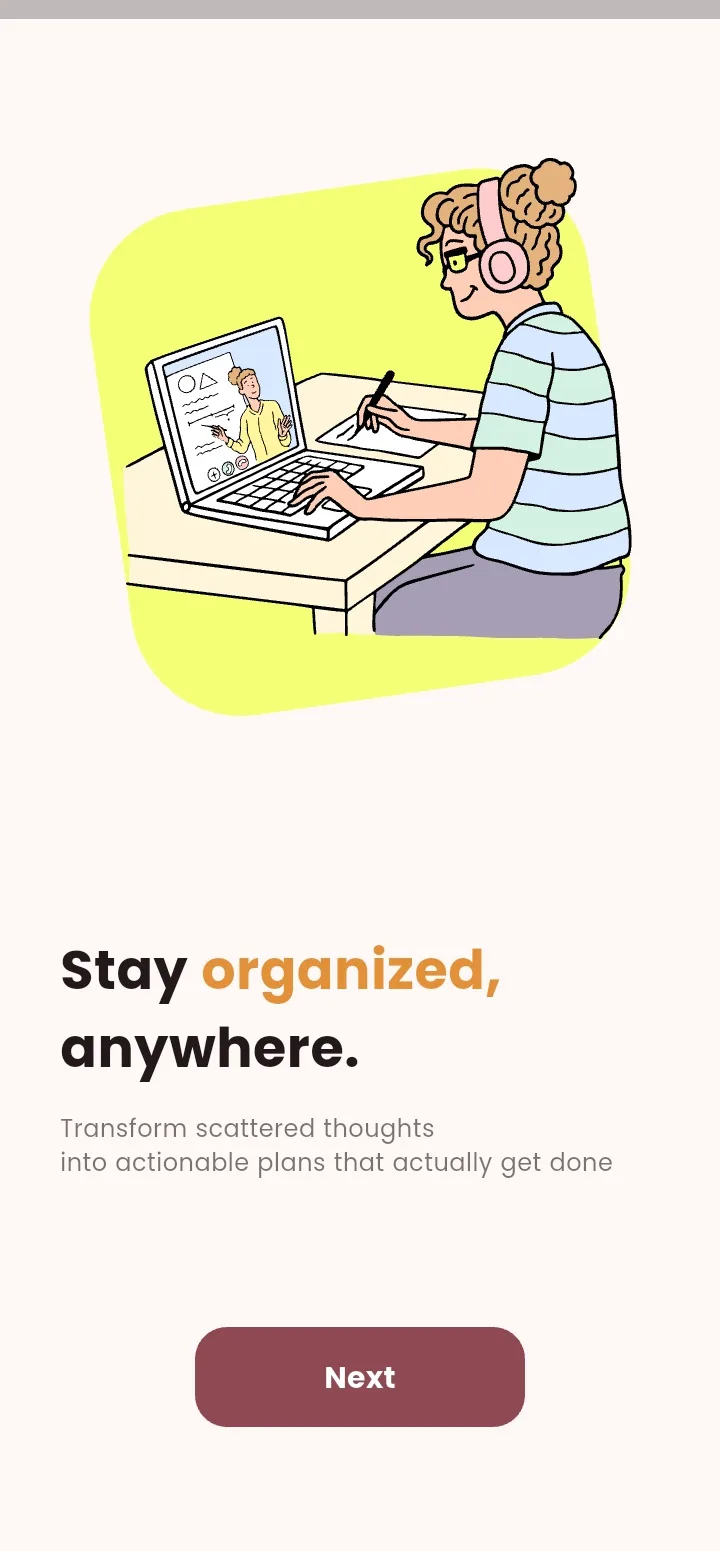
Guided Onboarding: Designed a multi-step welcome flow — intro slides, accent color + light/dark toggle, name, and avatar — before the home screen.
Project 04
Tasky
Pink productivity, your way
A personalized offline todo app for organizing tasks into tagged folders and tailoring the experience with selectable colors, dark mode, and avatars.
FlutterDartMaterial 3shared_preferencesLottie
Try it
9:41
The mission
Why this exists.
Most todo apps start as someone else's system. Tasky exists to prove a productivity product can feel like yours from minute one — color, avatar, folders — and keep working with no account and no internet.
Inside the build
Thought through, end to end.
5 highlights
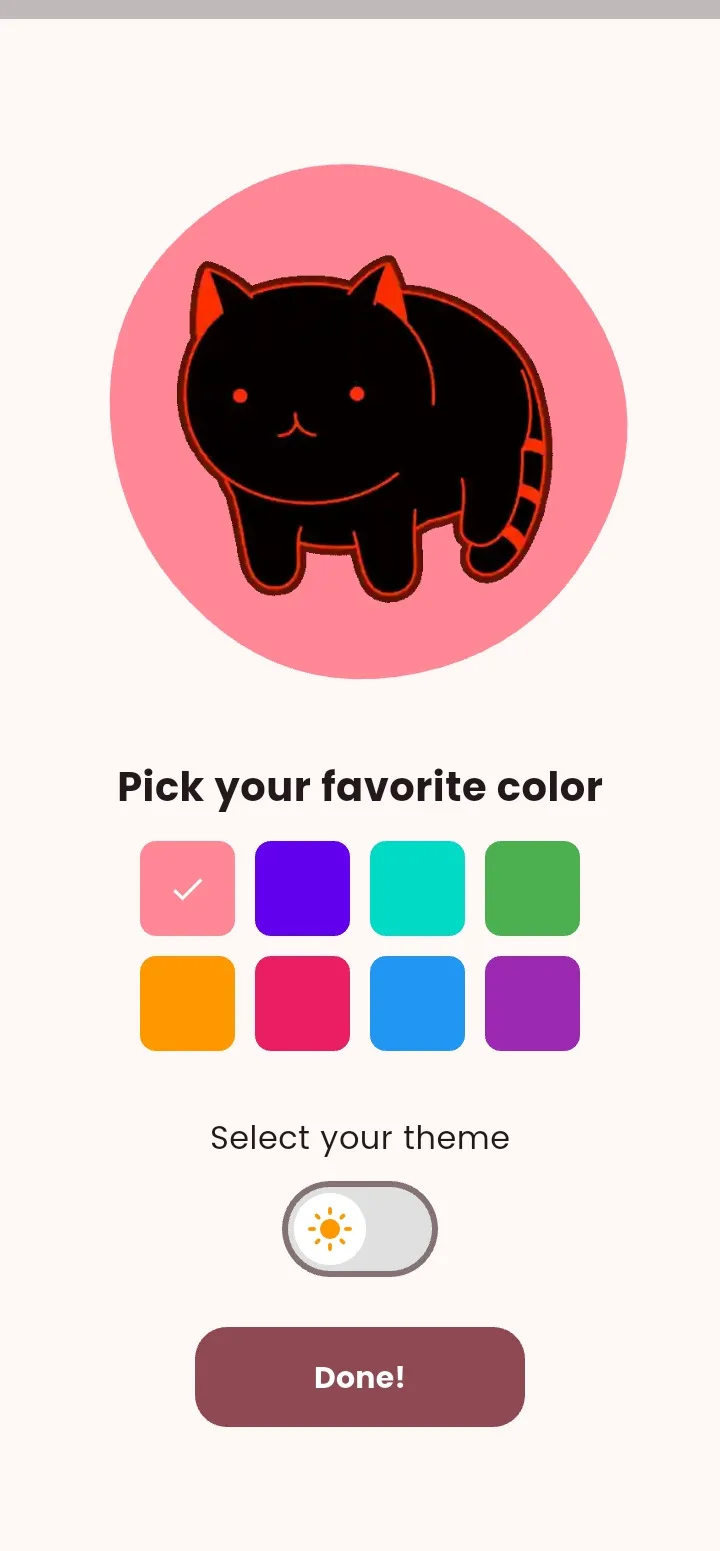
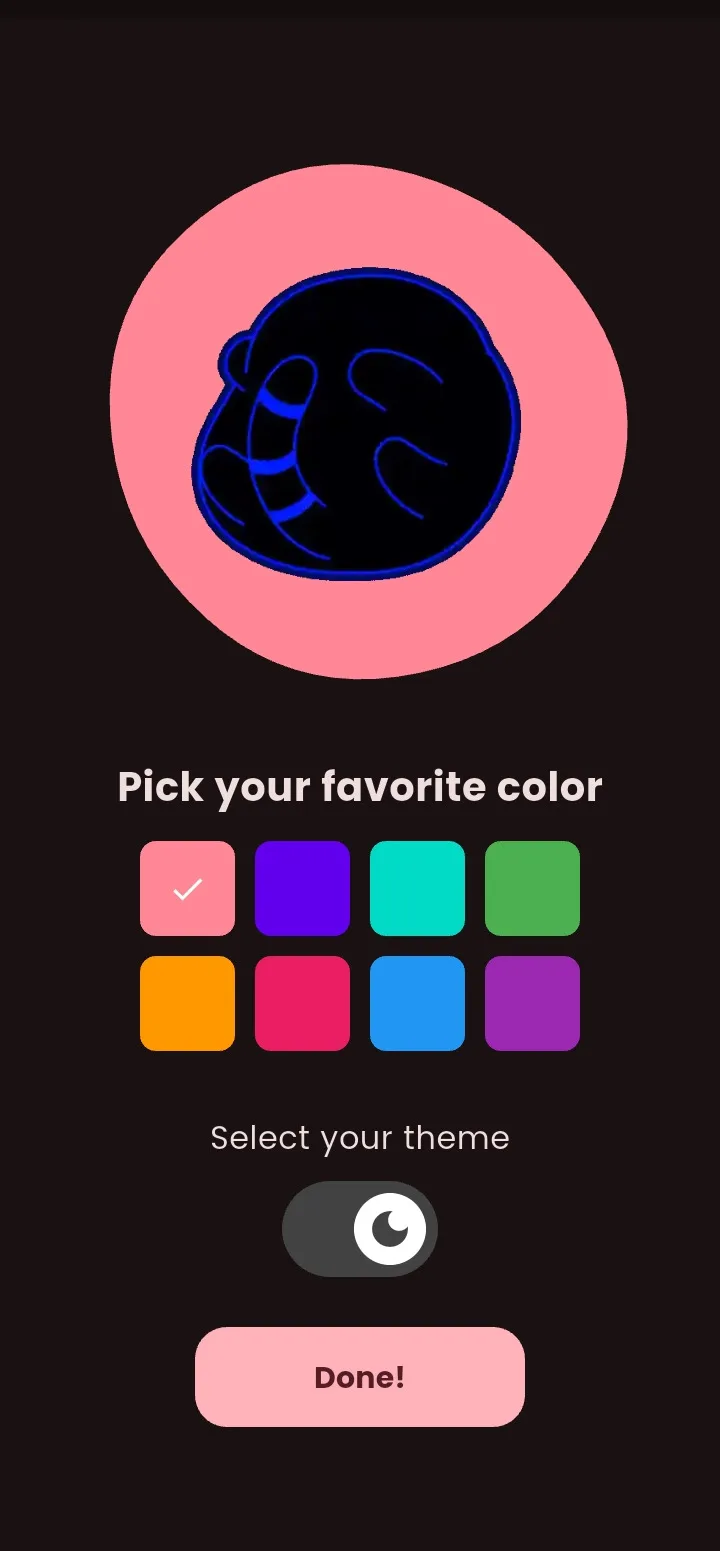
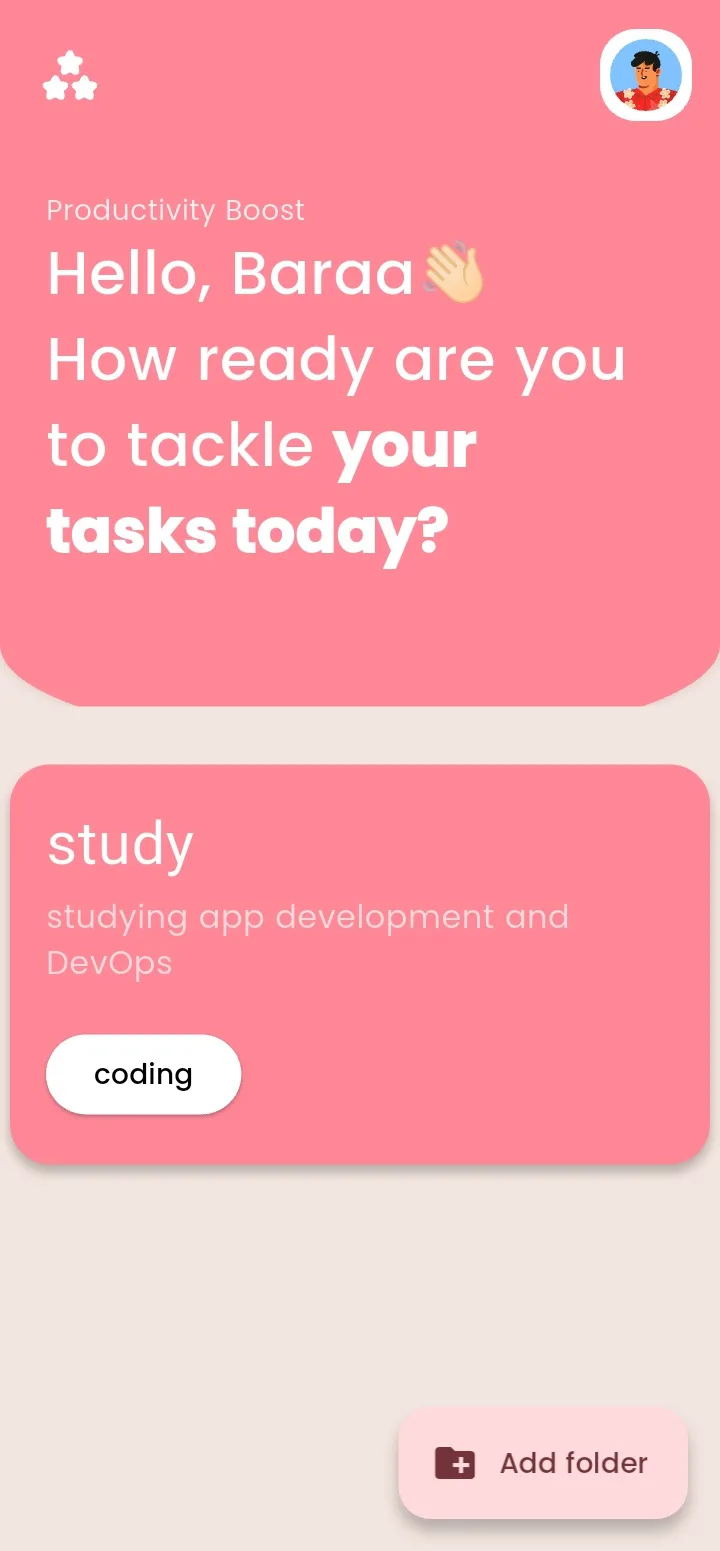
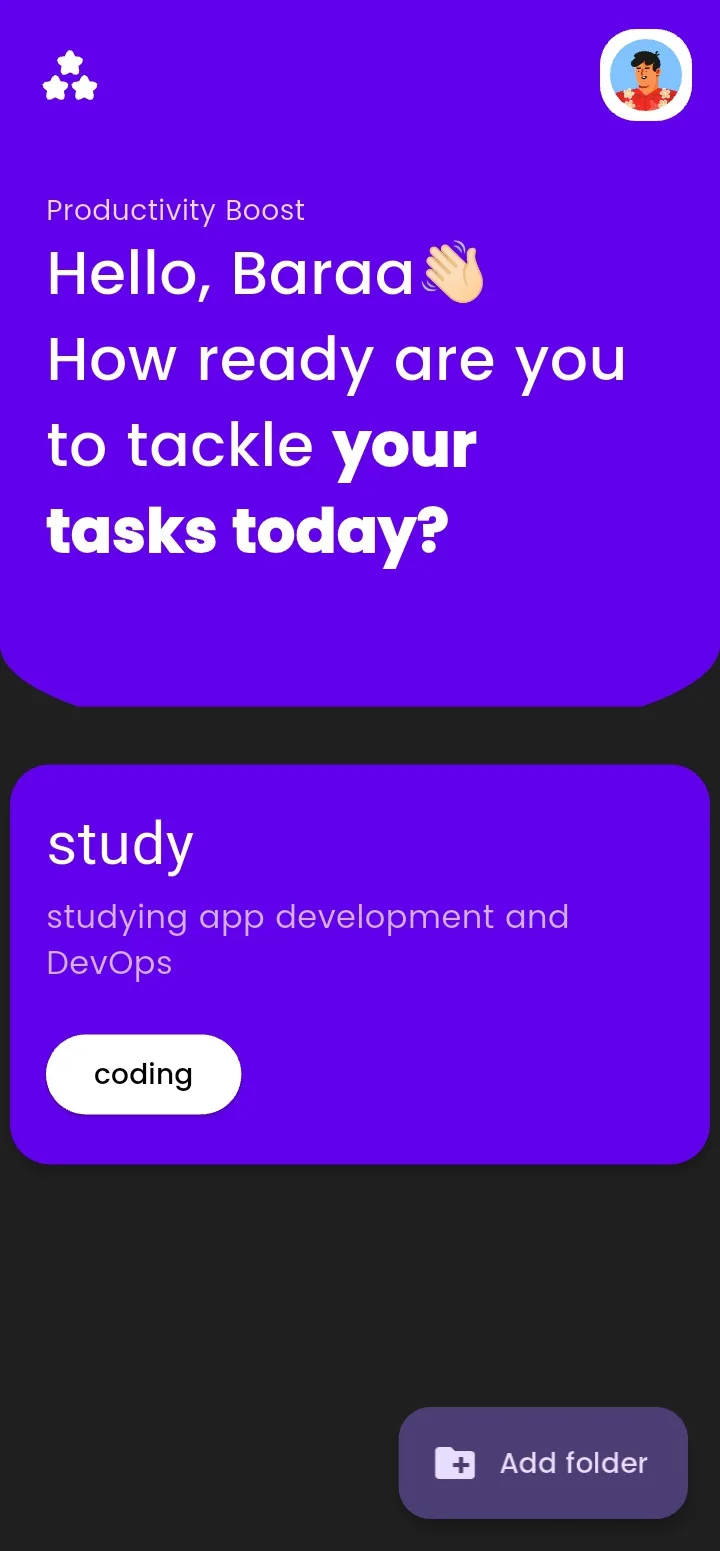
Accent-Driven Theming: Wired eight selectable brand colors into Material 3 so headers, cards, and actions follow the user's pick in light and dark mode.
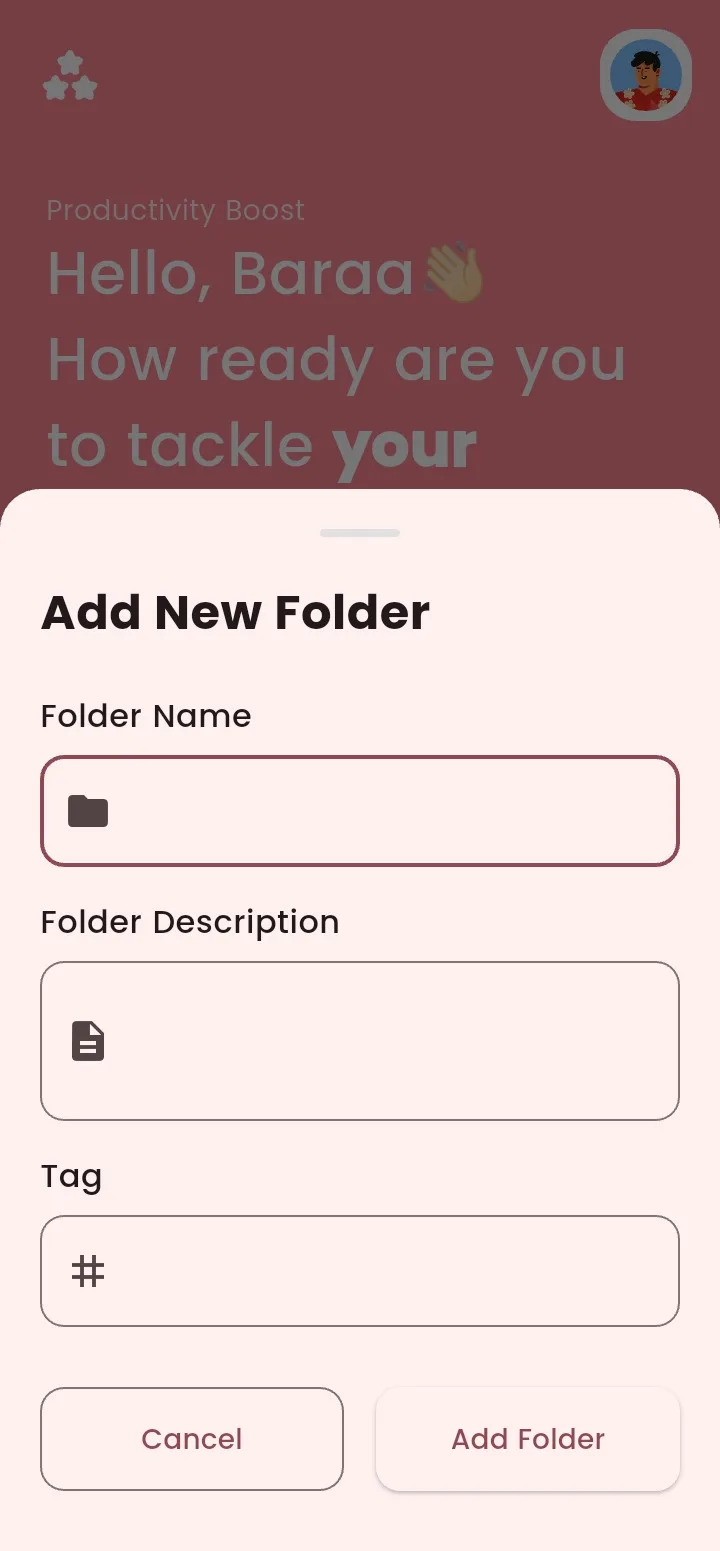
Folder Organization: Built folder creation with name, description, and tags, surfaced as themed cards on a personalized home greeting.
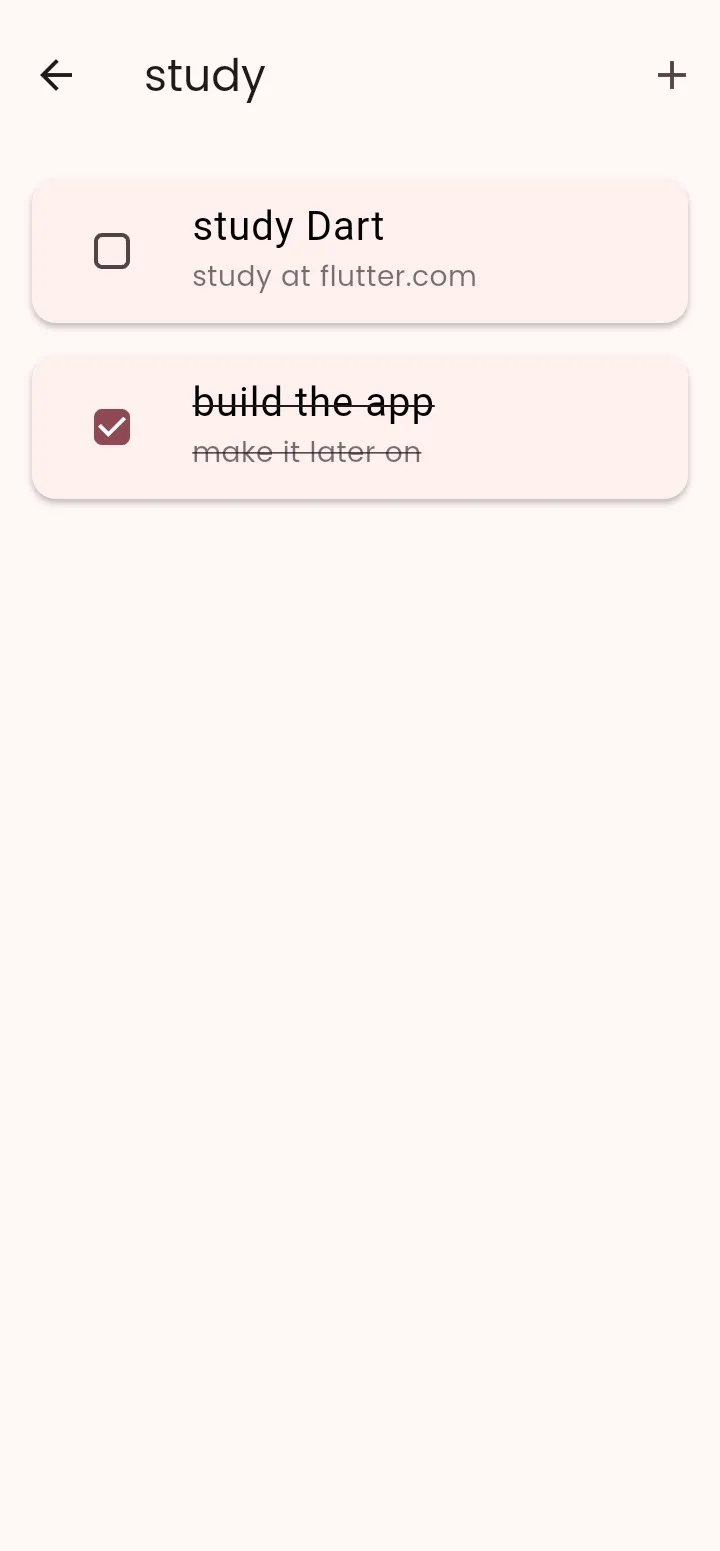
Task Management: Implemented per-folder lists with checkbox completion, strikethrough done states, and local persistence via shared_preferences.
Local-First AppState: Engineered a ValueNotifier state layer with auto-save so profile, folders, and tasks survive restarts with zero backend.
The hard parts
Constraints I designed around.
The features that look effortless were the ones that fought back.
- 01
A theme that actually owns the UI
The obstacle
Most “pick a color” settings tint a FAB and call it personalization. The rest of the app stays generic.
How I solved it
Wired eight accent colors through Material 3 so headers, cards, and actions follow the user's pick in light and dark mode.
- 02
Onboarding as the product
The obstacle
Skip-able splash screens teach nothing and create no attachment — home still looks like a template.
How I solved it
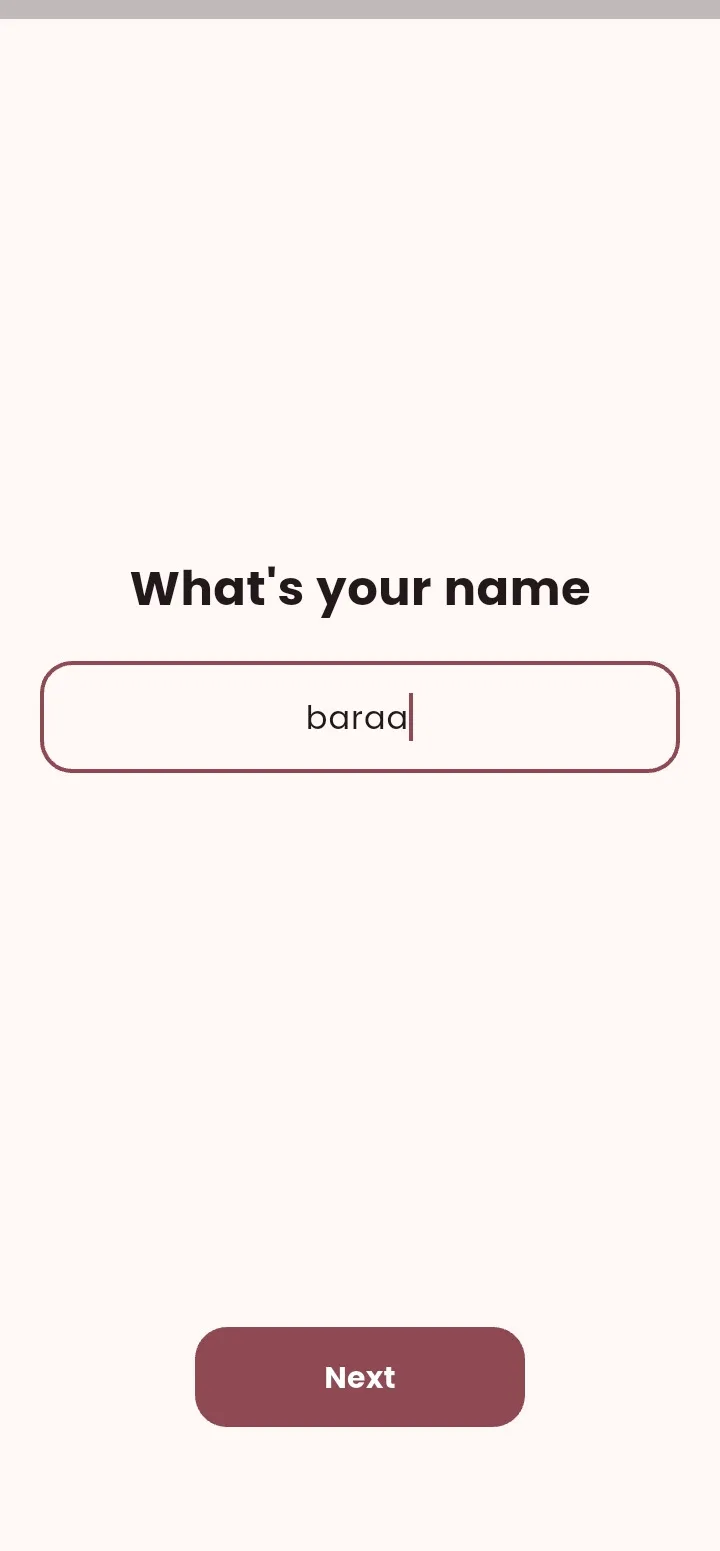
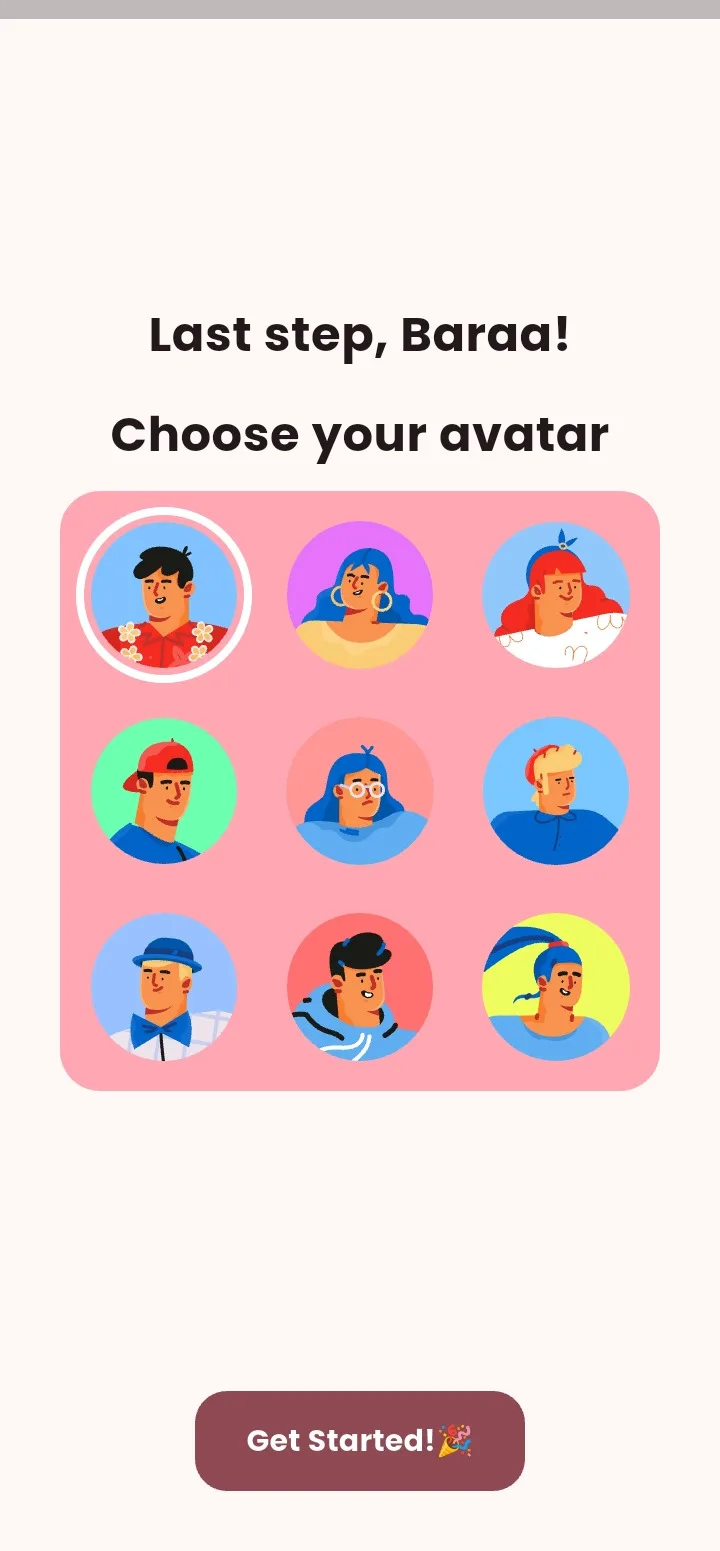
Designed a guided flow — intro, accent plus dark mode, name, avatar — so the home greeting is already personal when it appears.
- 03
Persistence with zero backend
The obstacle
Folders and tasks have to survive a process kill without standing up a server or asking for an account.
How I solved it
Engineered a ValueNotifier AppState with auto-save to shared_preferences — profile, folders, and tasks round-trip locally, including swipe-to-delete.
Product tour
A closer look inside.
Swipe through the real product screens and the details that make the experience feel complete.
9:41
9:41
9:41
9:41
9:41
9:41
9:41
9:41
9:41
9:41
Product in motion
See how it feels.
A real walkthrough of the product, interactions, and complete flow.